


Weddings
Hundreds of photos in one link the whole family can open, with a password so the couple see them first.
Client galleries for photographers and videographers
A private gallery for every shoot, sent as one link. Your clients view and download in full resolution, or buy the frames they love, paid straight into your Stripe account.
Free for your first 2 GB. No card, and your clients never need an account.
Drag in a shoot and it becomes a clean, fast gallery that works on any phone, tablet or laptop, with a short link of its own ready to send the moment the upload finishes.
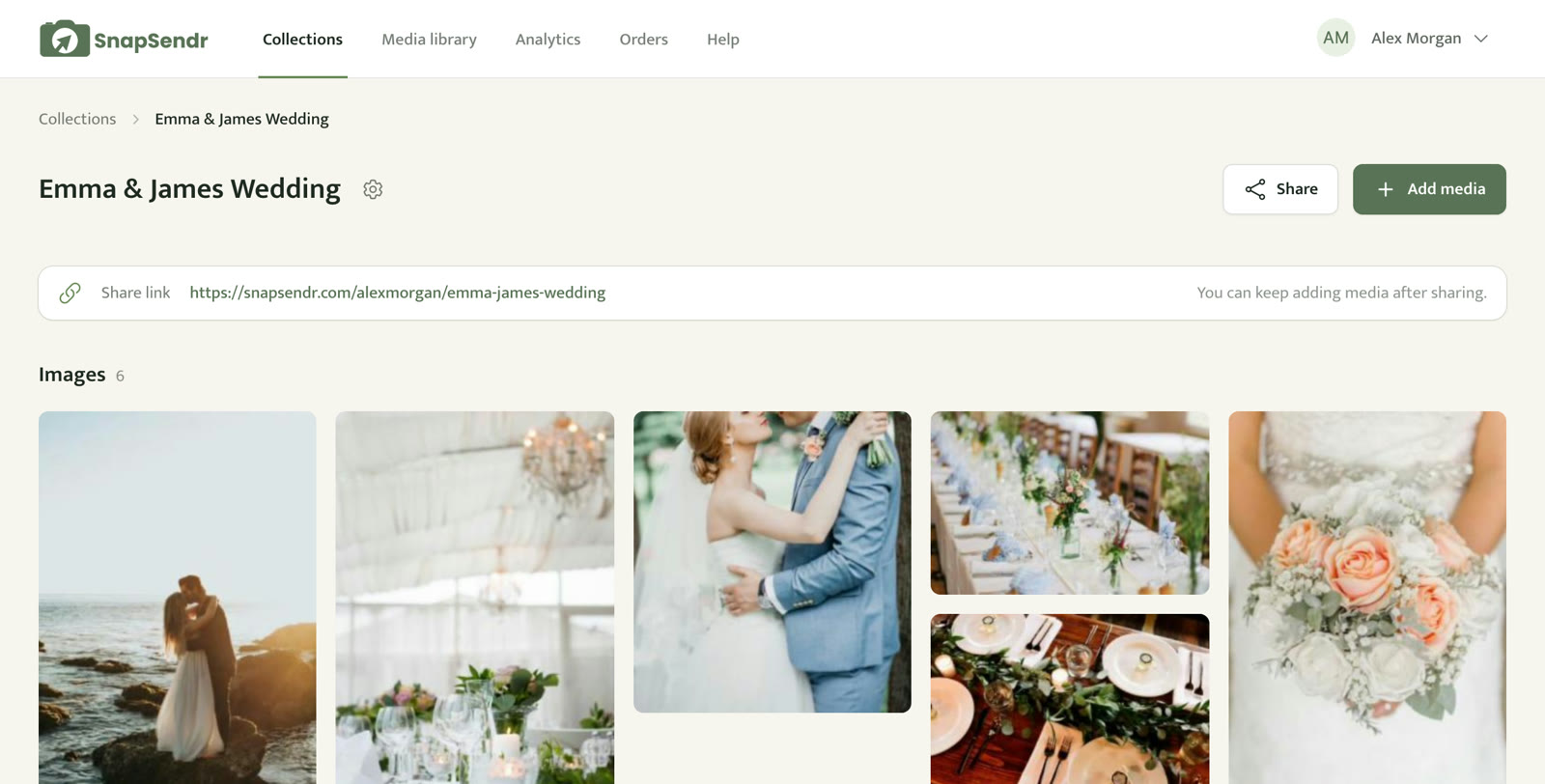
Every collection keeps its own rules. Lock a gallery behind a password, watermark the previews, choose whether clients get full-resolution files and close the link when the job is done.
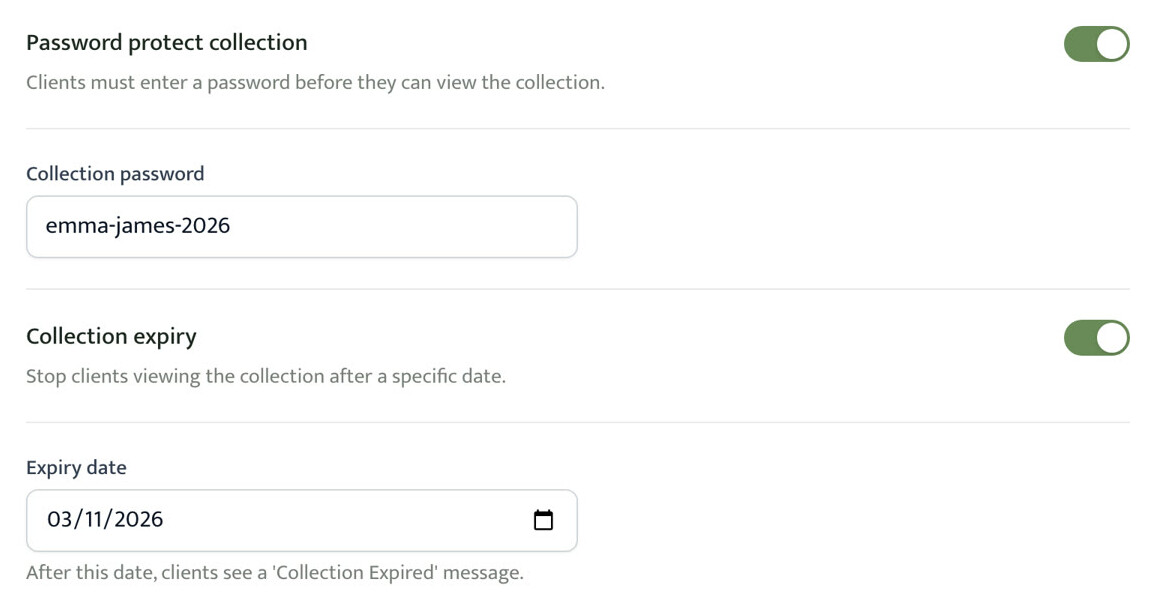
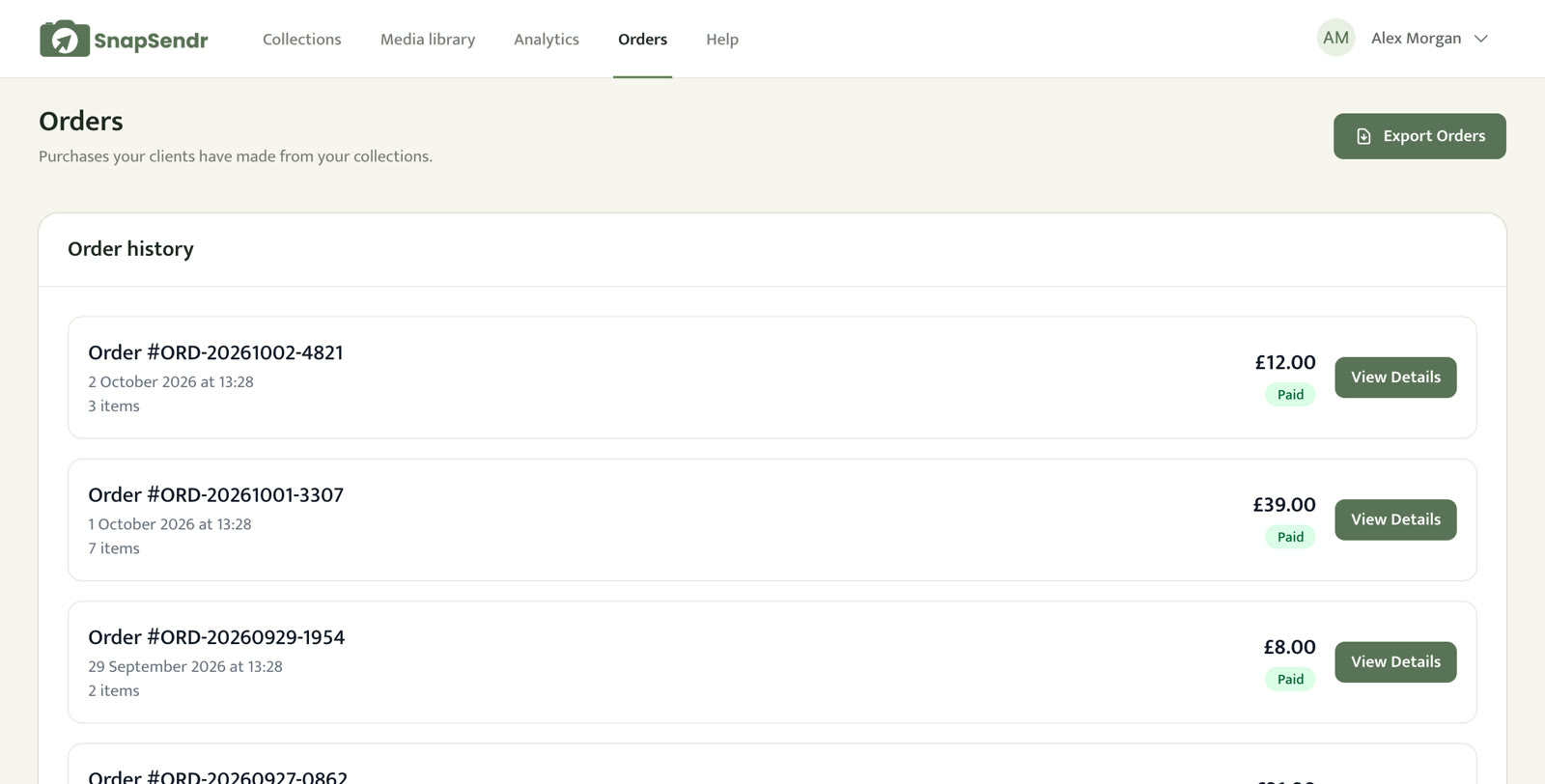
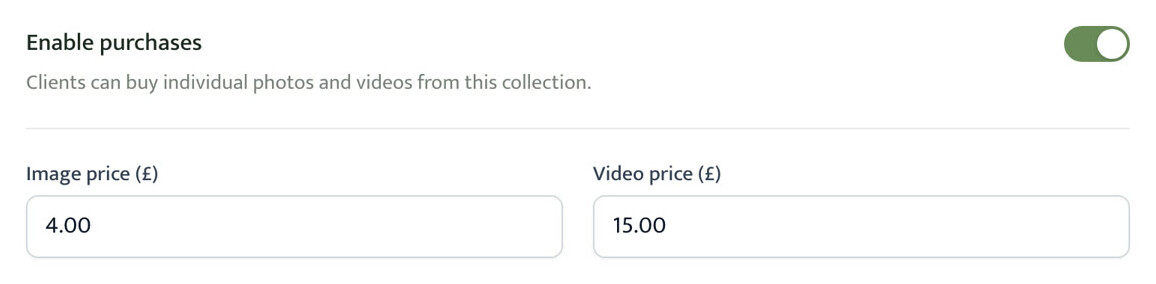
Set a price per photo and per video. Clients pick what they want and pay by card, and the money goes into your own Stripe account. SnapSendr takes no commission on your sales.
What your clients see
One tap opens a photo edge to edge. Clients swipe through the set, zoom into the detail and save the ones they love, straight from the link, with nothing to install and no account to make.
Hundreds of photos in one link the whole family can open, with a password so the couple see them first.

Hand over the finished edit in a gallery that carries your logo and colours, with full-resolution downloads.

Shoot once and sell to everyone who was there. Guests, parents and players buy the shots they want.

Send selects with watermarked previews, on a link that closes on the date you choose.
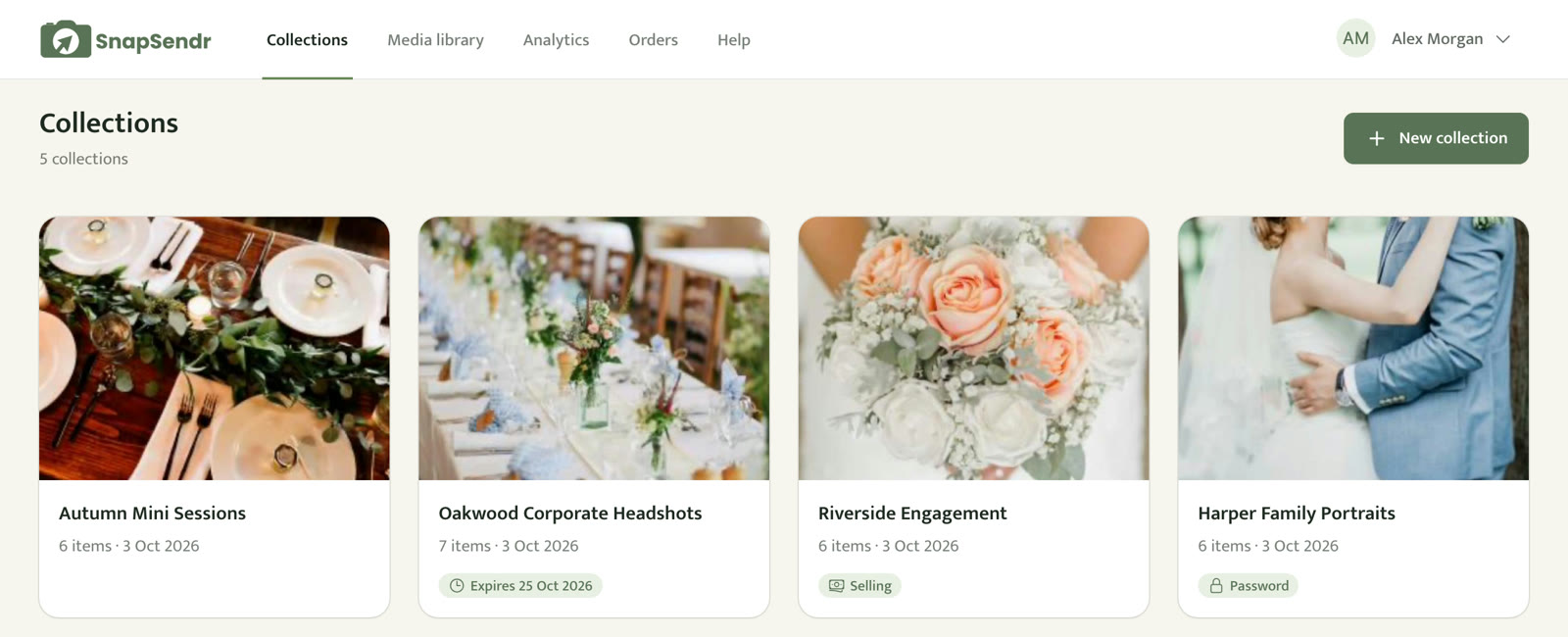
Make a collection for the client or event and drag in your photos and videos. Originals are kept exactly as you exported them.
Add your branding, then choose a password, an expiry date, watermarks and, if you are selling, a price per photo and video.
Share it or email it from SnapSendr. Clients view, download or buy on any device while you watch the views and orders arrive.
File-sharing tools move files from one place to another. A gallery presents your work, protects it and can sell it.
| Feature | SnapSendr | Transfer link | Cloud folder |
|---|---|---|---|
| A gallery in your own branding | Yes | No | No |
| Full-screen viewing made for photos and video | Yes | No | Basic preview |
| Password on the link | Yes | Varies | Varies |
| You choose when the link closes | Yes | Fixed expiry | By hand |
| Watermarked previews | Yes | No | No |
| Sell individual photos and videos | Yes | No | No |
| Viewing statistics for each gallery | Yes | No | Limited |
Compared with typical file transfer and cloud storage services. What they offer varies by provider and plan.
Every paid plan does everything. Choose the space you need, and move up or down whenever your archive changes.
Try SnapSendr with a real client gallery.
£0
2 GB storage
Start freeFor photographers getting going.
£12 a month
25 GB storage
Get StarterFor busy, full-time shooters.
£30 a month
150 GB storage
Get ProfessionalFor studios and agencies.
£48 a month
Unlimited storage*
Get UnlimitedPrices in GBP. * A fair usage policy of 4 TB applies to the Unlimited plan.
Something else on your mind? Browse the help centre or email support@snapsendr.com.
No. They open your link in any browser on a phone, tablet or computer. If you have set a password, they enter it once and they are in.
Yes. Photos and videos live in the same collection, can both be watermarked, and can be priced separately if you are selling.
You connect your own Stripe account in your settings. Clients pay by card at checkout and the money goes straight to your Stripe balance. SnapSendr does not take a commission; Stripe’s standard processing fees apply.
No. We keep the files you upload, and on paid plans your clients download them in full resolution.
The link stops working and anyone who opens it sees a notice that the collection has expired. You choose the date for each collection, or leave it open.
There is no fixed cap on the Unlimited plan, subject to a fair usage policy of 4 TB.
Yes. You manage your subscription yourself from the billing portal, and you can start on the free plan without entering a card.
Make a collection, upload the shoot and send the link. It takes a few minutes, and the free plan costs nothing.